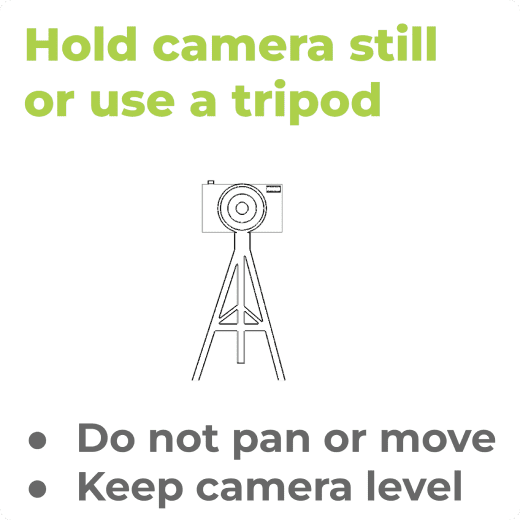
Use a tripod for best results. The camera should be positioned in landscape mode and be level and stationary at about hip level. Do not pan or move the camera.
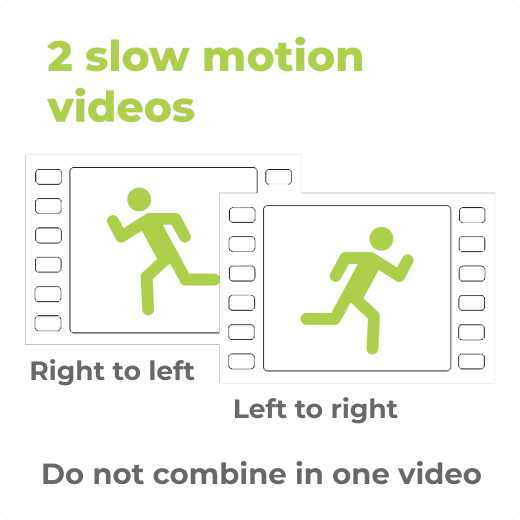
Take TWO videos using the camera’s slow motion recording feature. Run from right to left in one video. Then make ANOTHER video of you running from left to right.
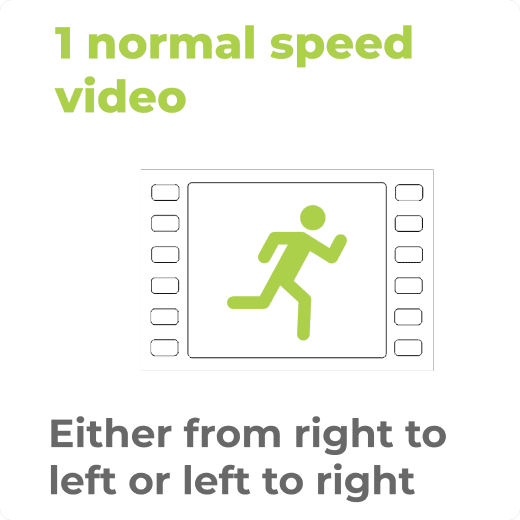
Make another video at normal speed. In this video you can run left to right or right to left. We use this video to calculate step rate.
Run at a comfortably hard pace that you could hold for 20-30 min.
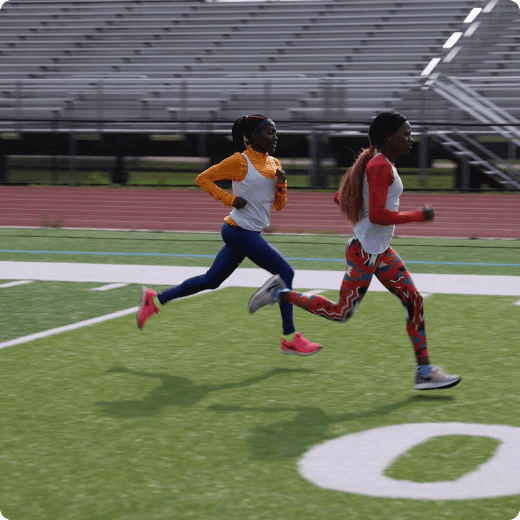
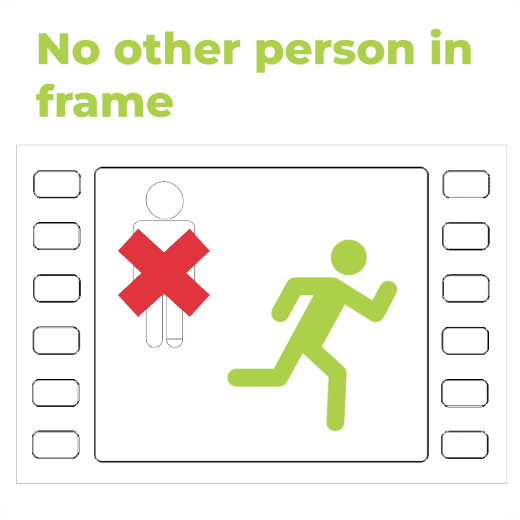
Make sure no other persons (runners, spectators, etc.) are visible in the video.
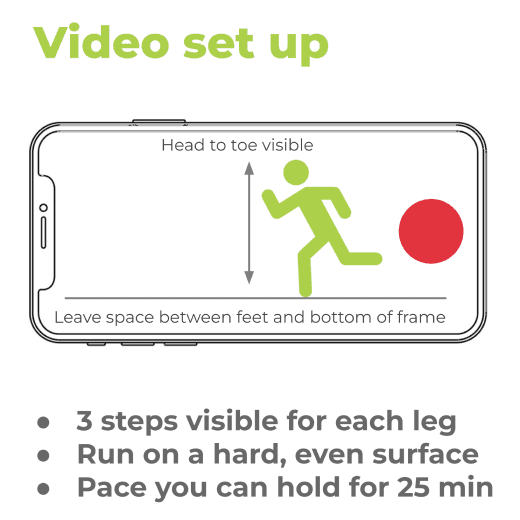
Set up your smartphone or camera back far enough so about 2-3 steps on each leg can be seen. (The video will only be a few seconds long).
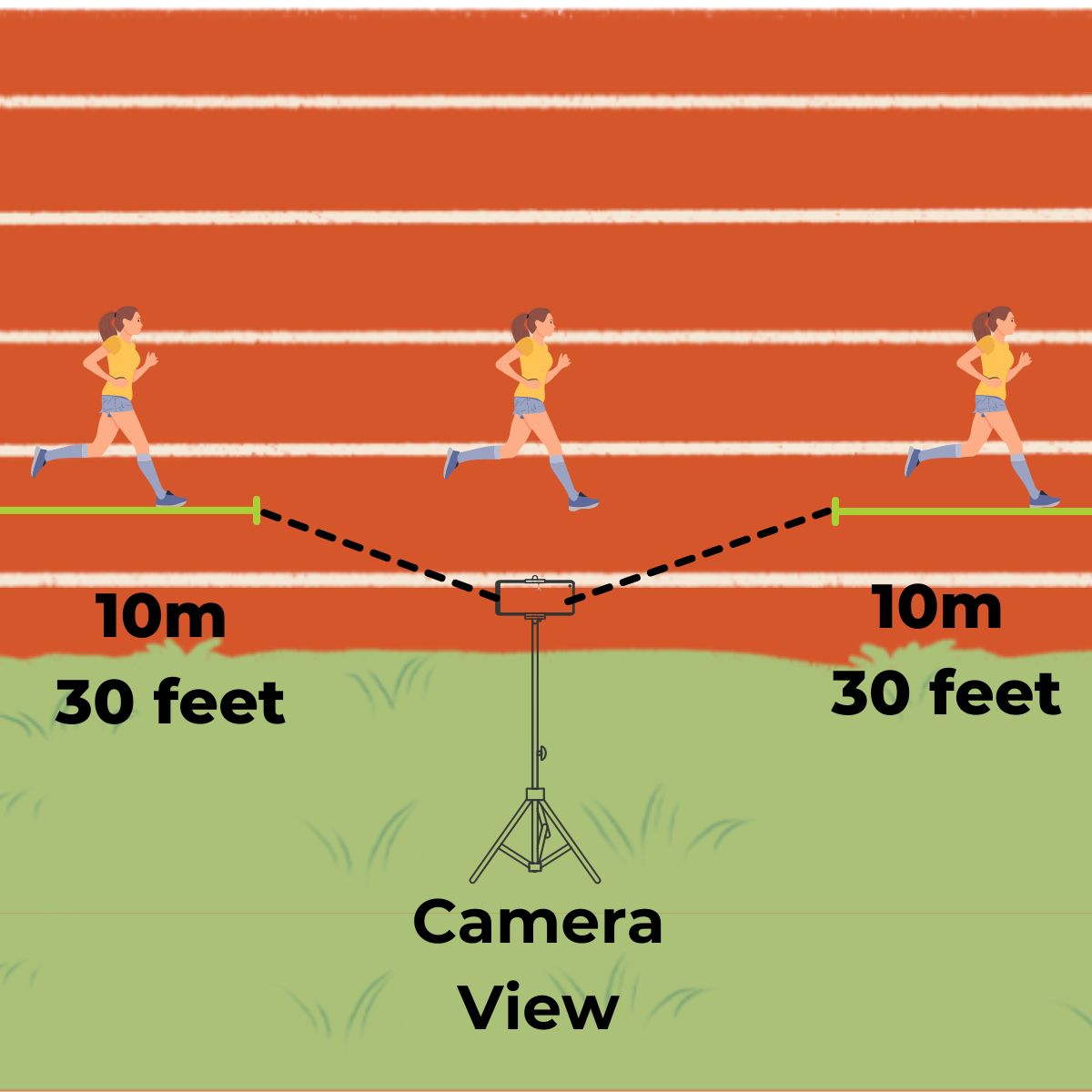
Start running at least 30 feet/10 meters before entering the camera’s frame and do not slow down for at least 3- feet/10 meters after exiting the frame.
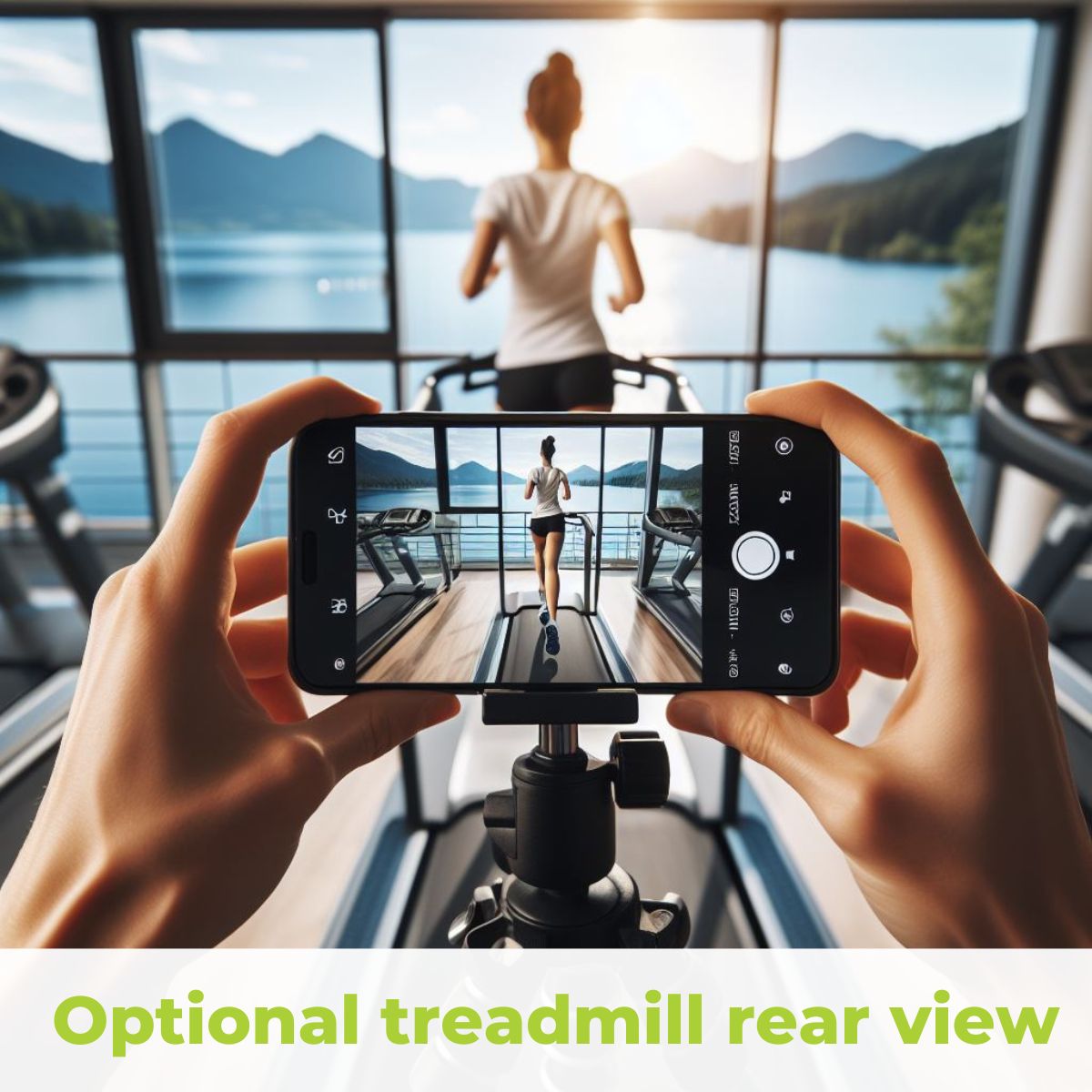
OPTIONAL; If you have purchased a Pro level plan you can record an optional rear view. This view must be recorded on a treadmill with the camera place dead center and level behind the runner at hip level. Record 3-5 steps on each leg.
Playback the videos and check they meet the requirements.
Sign into movaia.com and upload the videos from the reports tab in your account section. Each videos file size should be below 200MB.